


Refill ink for Canon suitable for the machine model
Canon GI-890 ink:G1800/G1810/G2800/G2810 /G3800/G3810/G4800/G4810
Canon GI-80 ink: G7080/G6080/G5080
Canon GI-86 ink:GX3080/GX4080/GX5080
Refill ink for Canon color
Magenta / Yellow / Cyan / Black
Refill ink for Canon advantage
1.Cost-Efficient - Simple operation eliminates the need to endlessly replace costly ink cartridges
2.Good Fluency, Fast Drying Speed, Brilliant Color Gamut, Smooth Color and textures
3.Cost Efficient - Simple operation eliminates the need to endlessly replace costly ink catridges
4.The use of remanufactured ink and printing supplies does not void your printers
Refill ink for Canon feature
1.Factory direct sale ,competitive price.
2.Premium quality & 100% testing before delivery.
3.Fast deliver & Good service & Technical support.
4.we have dedicated team to serve our customer and supplier's queries 18 hours a day and 6 days a week.
Available package
70ML/135ML per bottle.
6000 Pages/Black , 7000 Pages/Colors per Ink Cartridge at 5% coverage

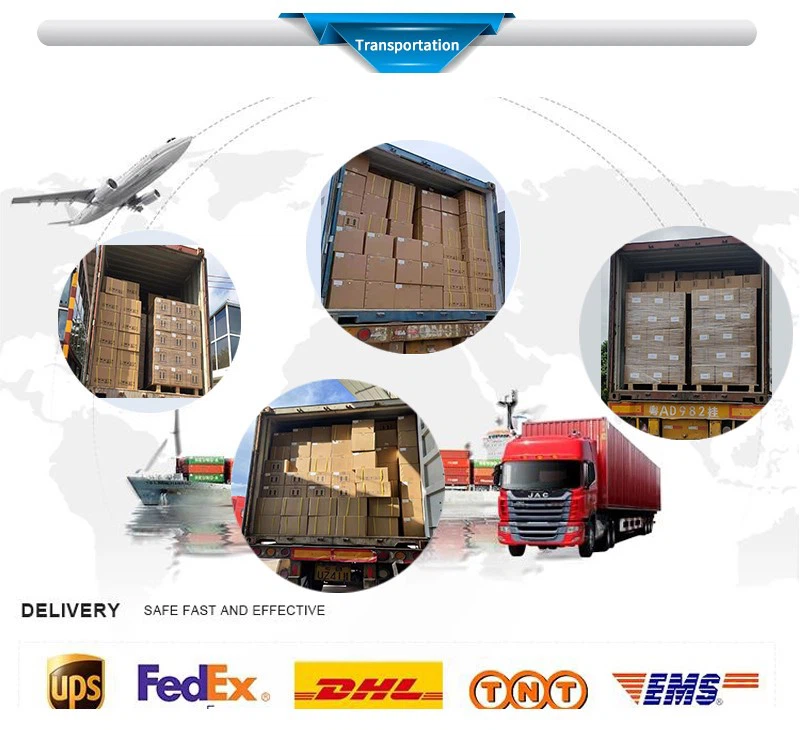
Transportation Instructions
Products are not dangerous goods, MSDS is available.
Departure time and Supply capacity
1.Departure time : About 3-15 working days after payment.
2.Supply capacity : 1000 tons a month
FAQ
Hot Tags: refill ink for canon, China refill ink for canon manufacturers, suppliers, factory, uv varnish, dtf ink, Sk4 Solvent Ink, Dye Sub Ink, eco solvent ink for konica 1024 13pl, Water Based Dye Ink


